
What Is Veeva CLM?
A Production Guide for Healthcare Agencies
TL;DR: Veeva CLM (Closed Loop Marketing) is Veeva Systems’ platform for delivering interactive, MLR-approved sales content to healthcare professionals on iPads and tablets. Building for it isn’t like building a banner or a website — it has its own file structure, its own approval chain, and its own way of failing silently. This guide covers what it is, how production actually works, and what to look for in a production partner.
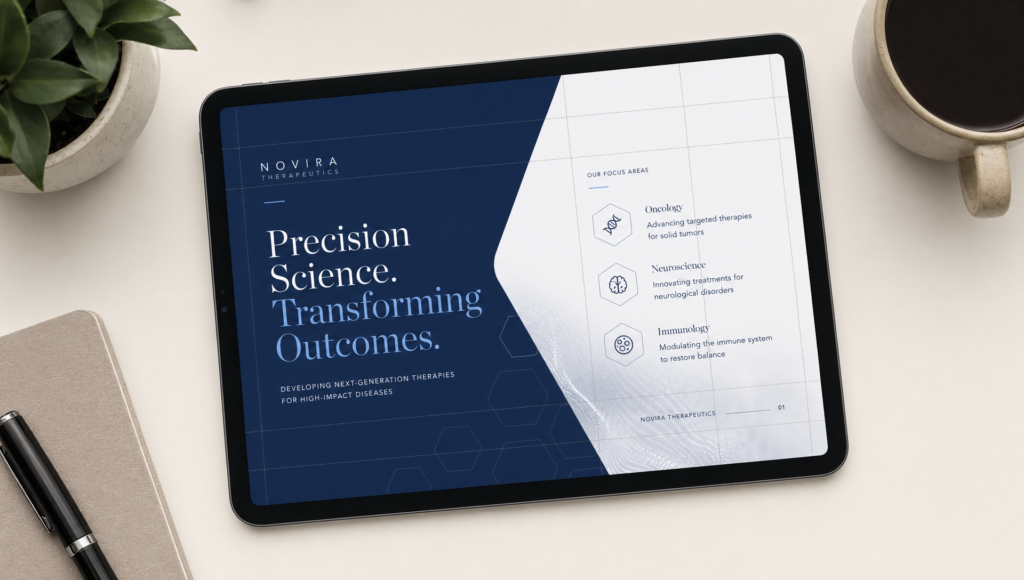
What Is Veeva CLM?
Veeva CLM (Closed Loop Marketing) is a digital content delivery system built specifically for pharmaceutical and life sciences sales teams. It runs inside the Veeva CRM app on a rep’s iPad, allowing them to present interactive, brand-approved slide decks directly to healthcare professionals during in-office visits.
“CLM” refers to the loop: reps present content, Veeva tracks which slides were shown and for how long, and that data feeds back to marketing. The insight informs which messages work, which fall flat, and how reps deviate from approved sequences.
Content lives as HTML5 slide packages — locally installed on the device, not browser-loaded and every piece of copy, every claim, every footnote has cleared the Medical, Legal, and Regulatory (MLR) review process before the rep ever opens the app.
How Veeva CLM Production Actually Works
Most agencies figure this out the hard way. Here’s the reality.
The file structure is rigid
Each CLM presentation is a zip package with a specific directory structure Veeva expects. At the root: a veeva_multichannel.zip, inside it a folder per slide (called a Key Message), and inside each: an index.html, a thumbnail.png, and whatever assets that slide needs. The index.html is the slide. That’s it. No routing layer, no framework, no shared stylesheet across slides unless you manage it yourself.
Everything runs offline
CLM slides run inside a WebKit shell on iPad. They’re not hitting a CDN. If your asset path is wrong, the image silently fails, no console error the rep will ever see. This is why production teams who build websites and assume they can apply the same QA process get burned. You have to proof on device.
Media permissions are locked down
Video can be embedded, but autoplay behavior varies by Veeva CRM version. Audio has restrictions. If your creative brief calls for rich media, that has to be flagged before production starts not during QA.
Navigation is custom-built
The forward/back, the chapter menus, the thumbnail navigation none of that is provided by Veeva. You build it. If you want swipe gestures, you write them. If you want a menu that collapses to a dock at 30 slides, you build that too.
What MLR Review Means for Production
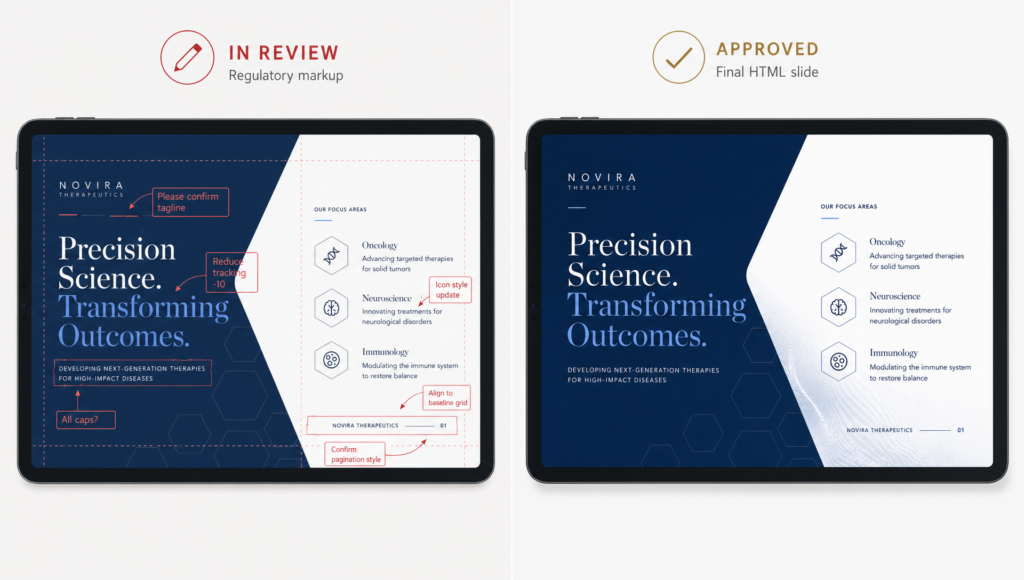
MLR (Medical, Legal, Regulatory) review is the approval gauntlet every piece of pharma promotional content goes through before it touches a rep’s device. The process is not fast. It is not forgiving of ambiguous file states.
For production shops, MLR creates a specific workflow constraint: the content you build is not the content you own. Copy changes can arrive late, claims can be struck, visuals can be flagged. A production team that can’t absorb a 48-hour revision cycle mid-sprint will become a bottleneck.
Good CLM production partners build for change. That means:
- Modular slide templates where copy swaps without rebuilding layout
- Asset naming conventions that survive version control across MLR rounds
- Annotated staging links that reviewers can access without technical support
- A clear handoff spec so the client knows exactly what file format Veeva Upload expects
This is where pharma-naive agencies lose time. Building a slide is 20% of the job. Managing it through review is the other 80%.
Veeva CLM vs. Other Pharma Digital Formats
Clients frequently confuse CLM with other channels. Here’s how they differ.
| Veeva CLM | iPad, offline, inside Veeva CRM | Sales Ops / Medical Affairs | Full MLR |
| Approved Email | Veeva Approved Email module | Marketing / Reps | MLR + email compliance |
| Remote Detailing | Veeva Engage, browser-based | Home office | MLR + IT |
| eDetail PDF | Distributed via email or portal | Marketing | MLR |
| HCP Portal | Web, authenticated | Marketing / IT | MLR + legal |
The build requirements for each are different. A CLM slide cannot simply be repurposed as a Remote Detailing piece without rework — the rendering environment changes, the offline asset model changes, and Engage adds its own permission layer.
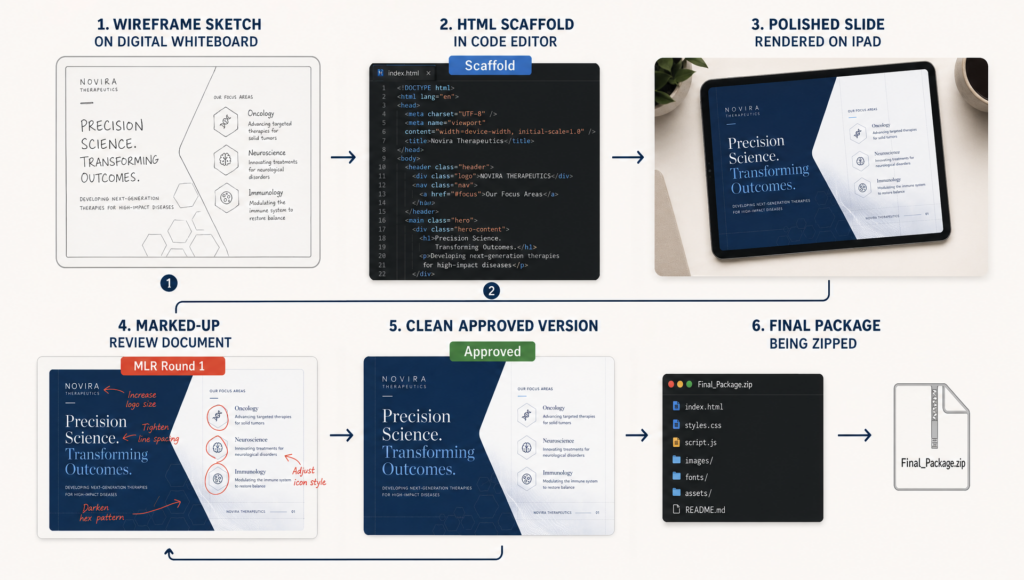
What Good Veeva CLM Production Looks Like
The work WAV does on CLM is not templating. It’s building systems that hold up across 60-slide decks, three market languages, two brand variants, and four MLR rounds.
Specifically:
One source of truth for global elements. ISI panels, safety statements, and footers get updated centrally and propagate. Changing the ISI text in 60 slides individually is how errors compound under deadline pressure.
Device-tested QA. Slides are proofed on an actual iPad, in Veeva, at the iOS version the client’s field force runs. Not Chrome emulation. Not BrowserStack. On device.
Version-controlled builds. Every scaffold commit, every MLR revision, every final is tagged. When the client needs to understand what changed between round 2 and round 3, the diff exists.
Handoff packages Veeva Upload actually accepts. Thumbnail dimensions, file naming, metadata fields — these get rejected upstream if wrong. We package to spec.
Case Study: LIVTENCITY Interactive Visual Aid for Takeda
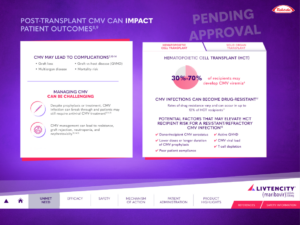
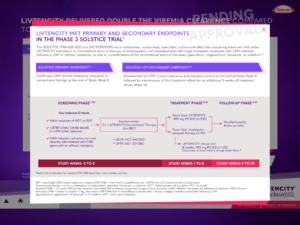
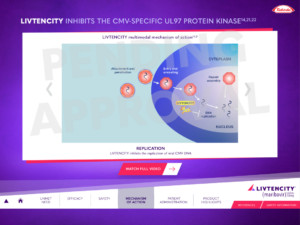
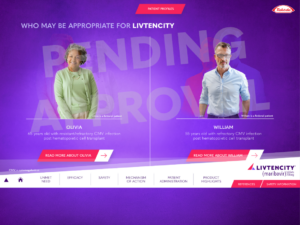
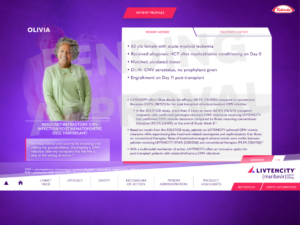
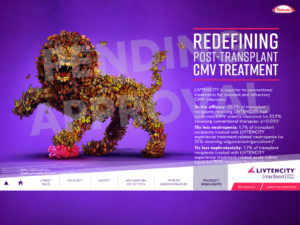
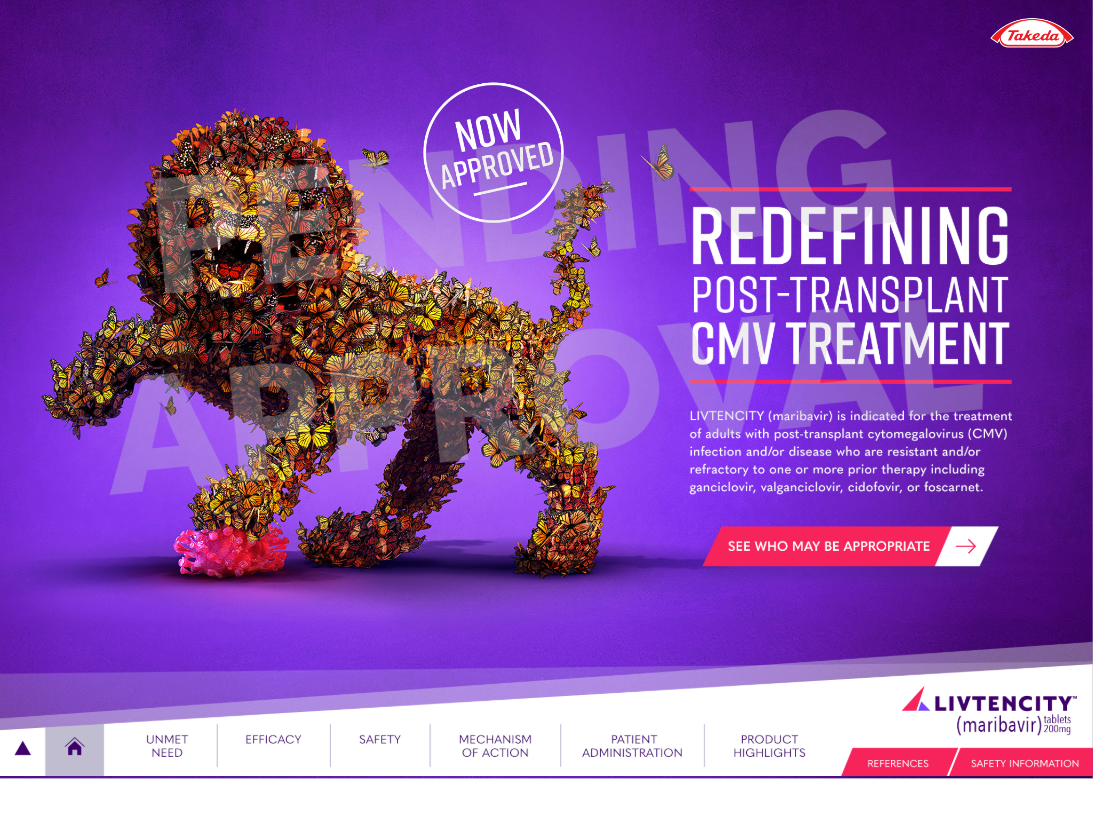
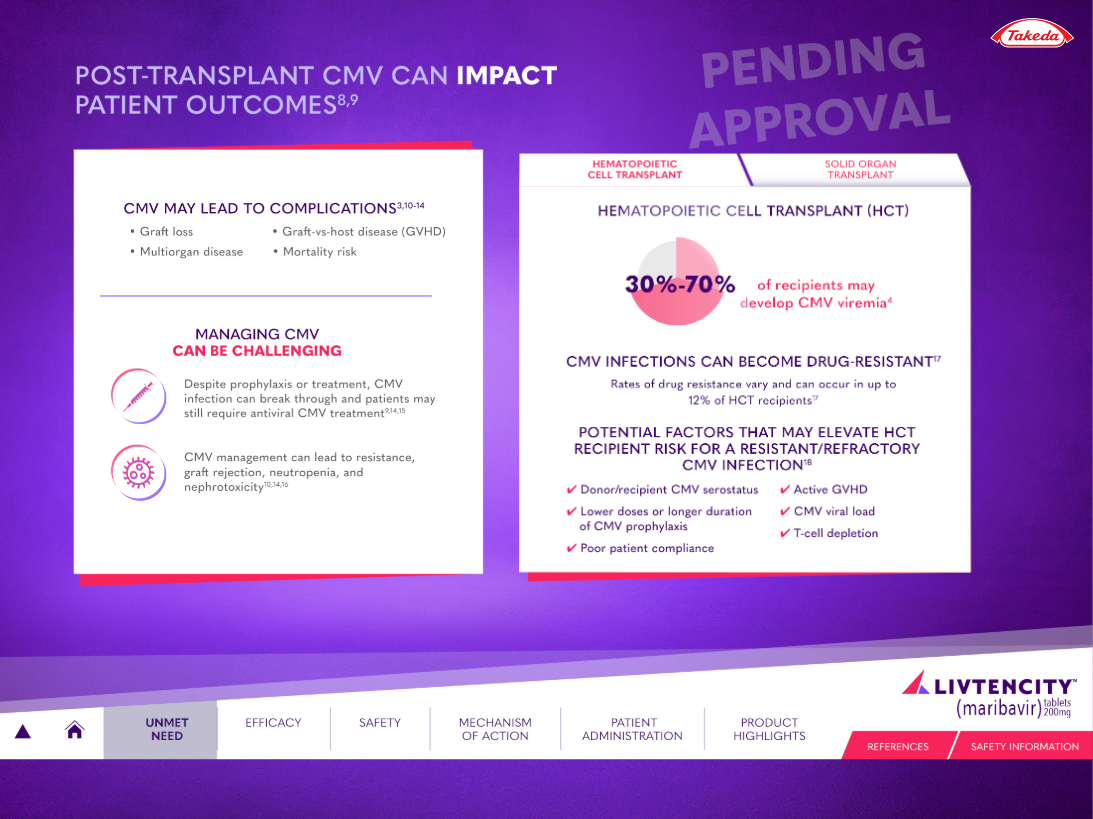
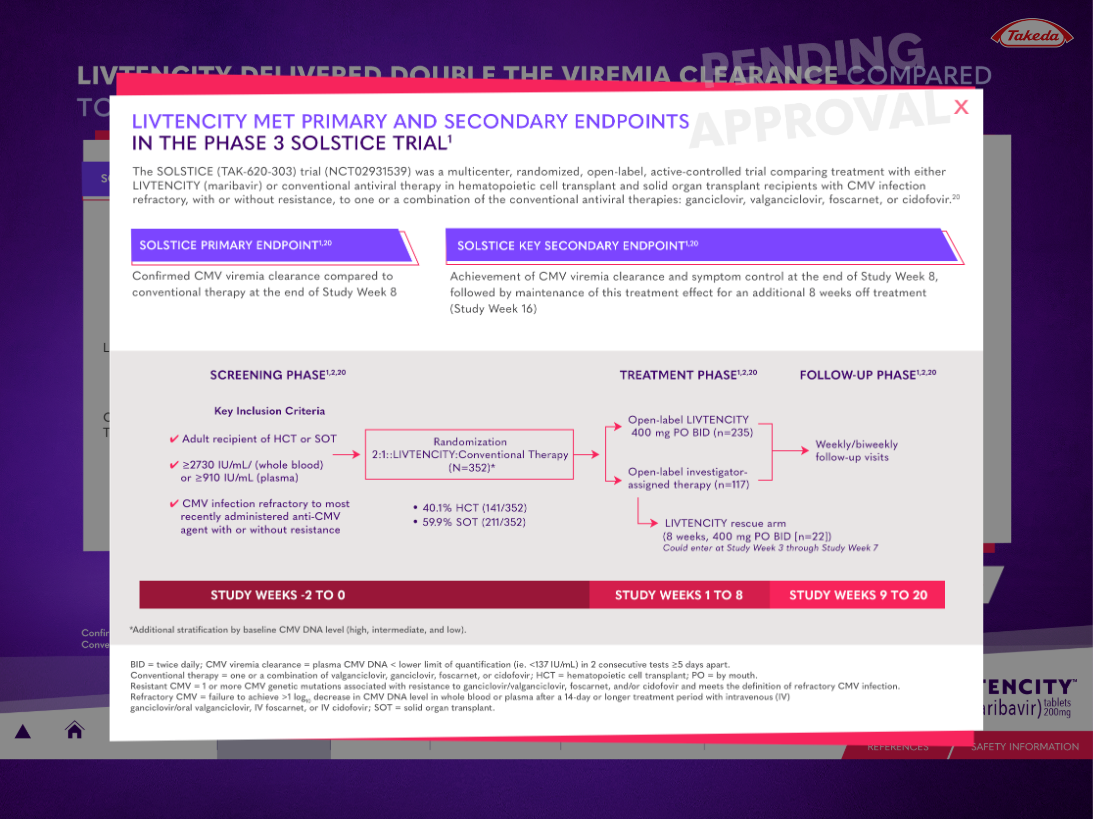
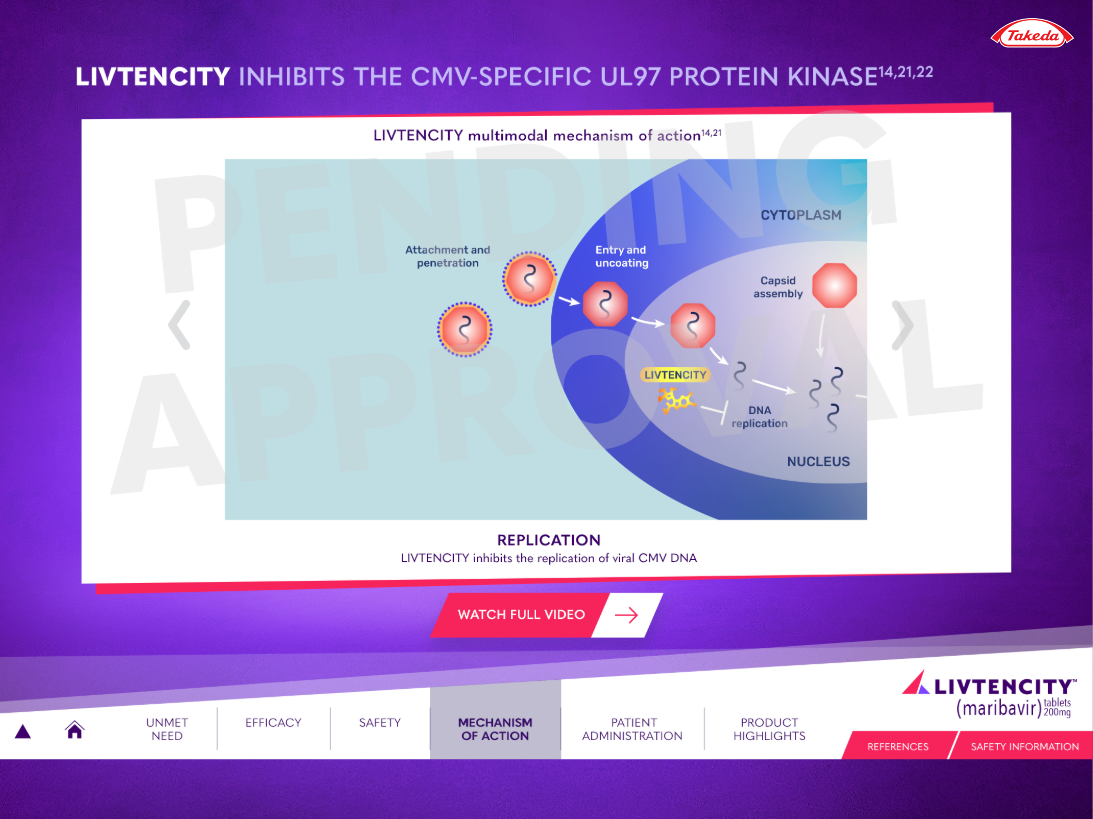
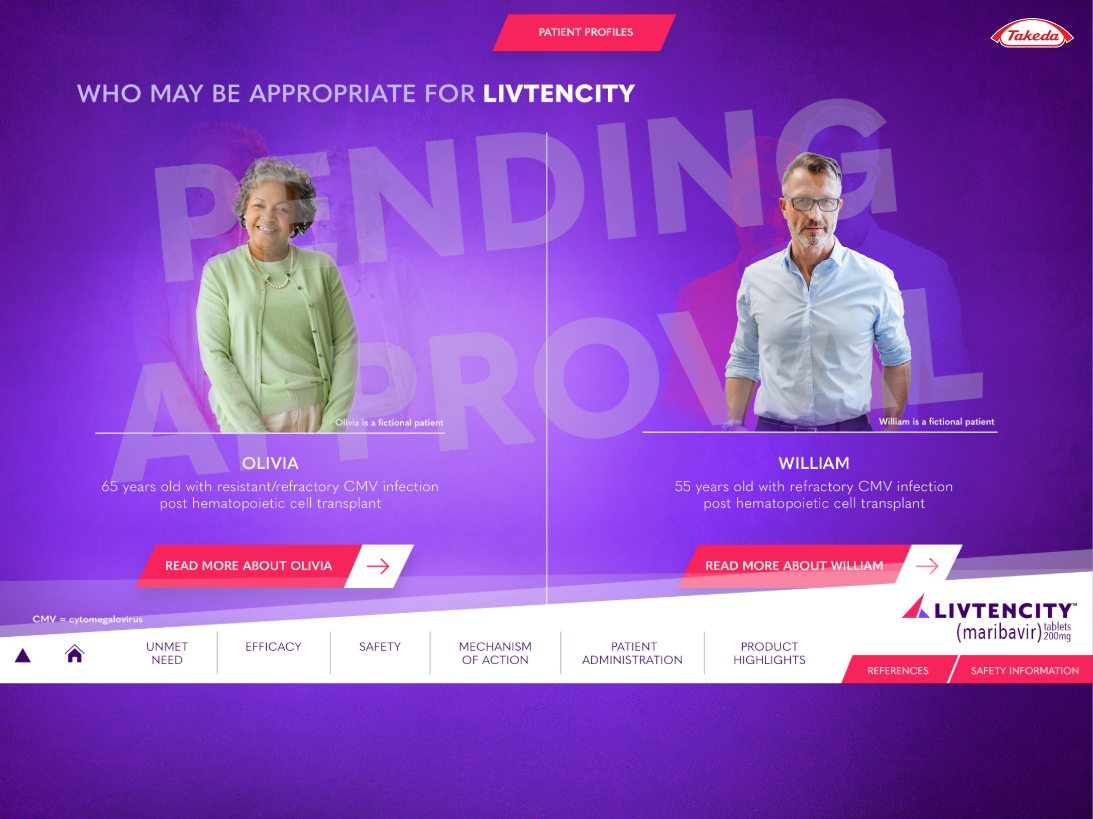
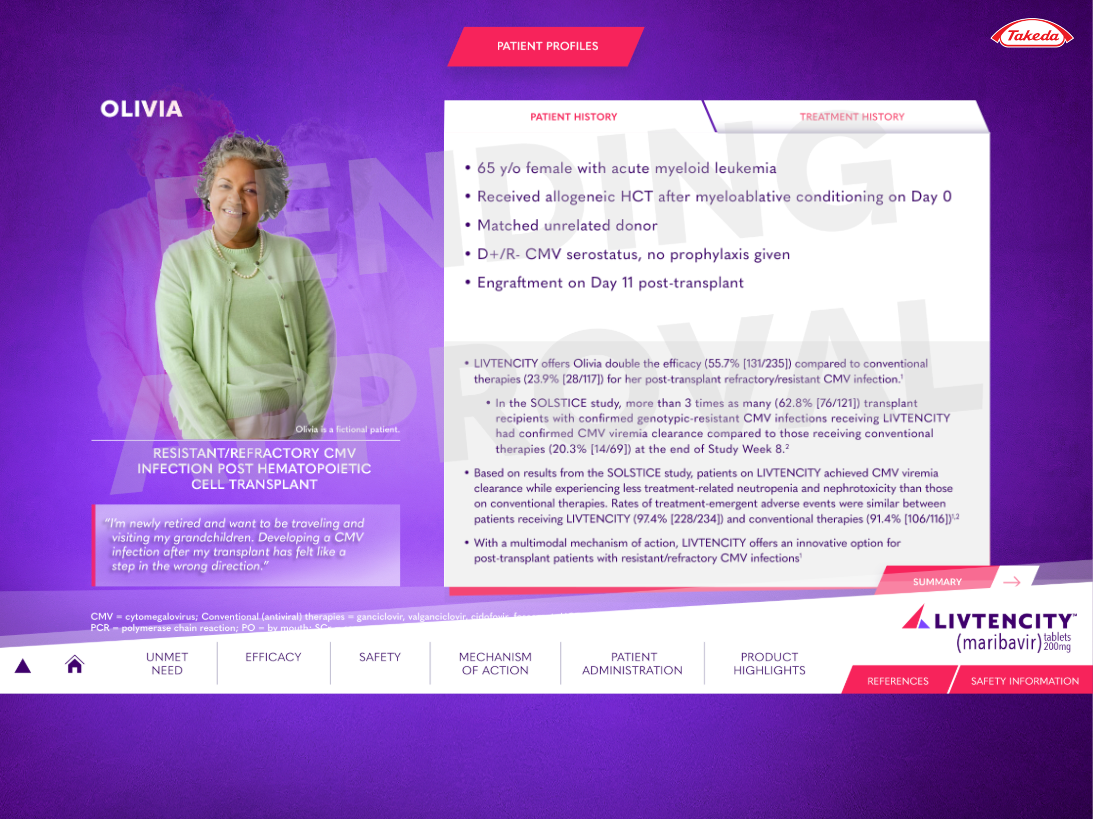
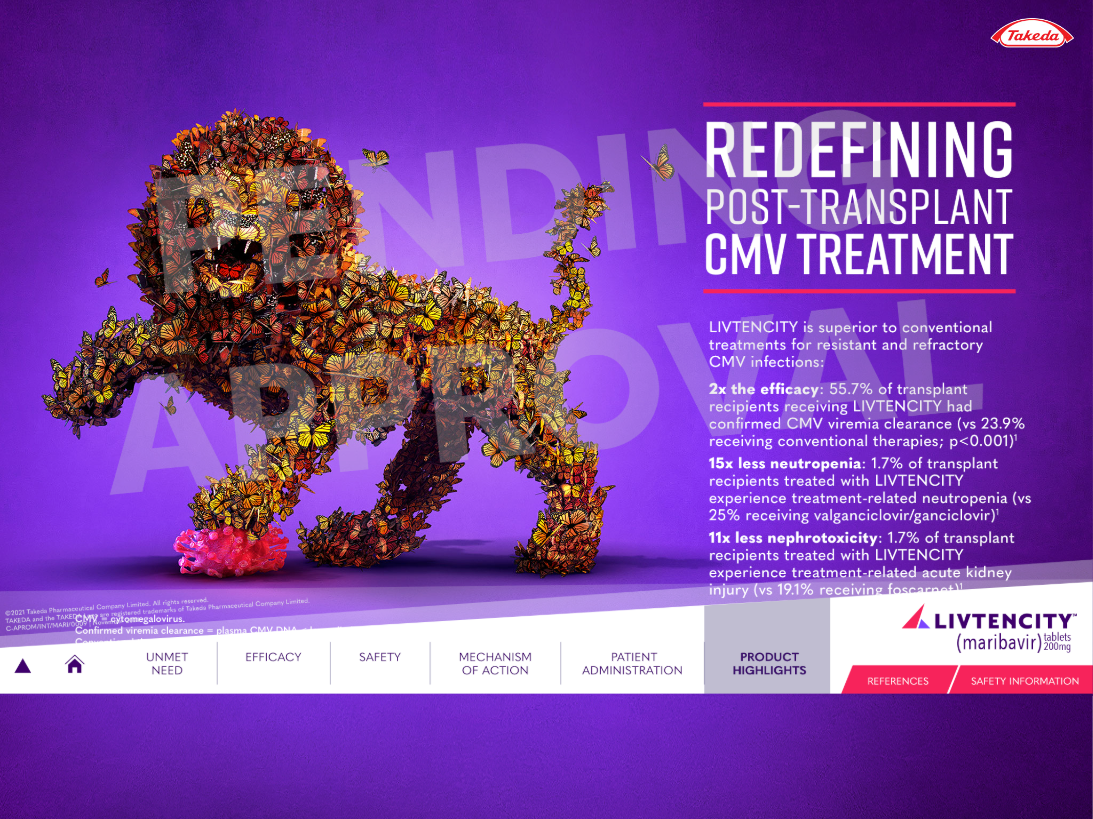
LIVTENCITY is indicated for post-transplant cytomegalovirus (CMV) infection and disease in adults and pediatric patients 12 years of age and older weighing at least 35 kg. The transplant population is a defined, high-stakes cohort — the reps presenting to this audience needed a sales tool that held up to the clinical conversation.
Takeda’s field force required a 50-slide Interactive Visual Aid deployable through Veeva CLM. WAV came in as the production partner alongside Spectrum Science, the strategy and creative agency leading brand and messaging. Spectrum owned the story. We built the machine that delivered it.
The build: 50 Key Messages in HTML5, JavaScript, and CSS, integrated with the Veeva SDK for navigation, slide tracking, and CRM handshake. The presentation ran fully offline on iPad inside Veeva CRM — no connectivity dependency during a rep call. Slide-level interaction data fed back into Salesforce, giving Takeda’s marketing team visibility into which messages reps were actually using in the room.
The timeline: four weeks to delivery. The deadline was five. That extra week wasn’t padding — it was the buffer the client needed to run their final internal review without compressing the approval cycle.
Fifty slides in four weeks is a production pace most shops quote and miss. The reason we hit it: templates were agreed before any slide was built, the Veeva package spec was locked before creative started, and revision cycles had a defined scope. When MLR feedback came in, we weren’t rebuilding — we were patching a system that was designed to absorb it.
The work proved out something specific about the Spectrum Science partnership: strategy agencies that have built CLM before know to leave room in the brief for what the channel actually requires. The collaboration was cleaner for it.
How to Evaluate a Veeva CLM Production Partner
If you just won a pharma account and you’re sourcing a production shop, here’s what to ask.
Have you built for Veeva Upload, not just “Veeva-compatible” HTML? There’s a difference. Upload has specific acceptance criteria. Partners who’ve only done Remote Detailing don’t always know the CLM package spec.
Can you show QA on an actual device? Ask for a recording. If they say “we test in Chrome,” that’s a flag.
How do you handle MLR revision cycles? The answer should be operational, not aspirational. Do they have staging infrastructure? A version control policy? A defined review format?
What’s your ISI handling approach? ISI (Important Safety Information) management in CLM is genuinely complex — especially for indications with long safety text and strict positioning requirements. A shop that hasn’t solved this will slow down every MLR round.
Do you know what a Veeva multichannel.zip is? Unserious question, but the answer tells you immediately whether you’re talking to someone who’s done this or someone who’s done “digital for pharma.”
The Bottom Line
Veeva CLM is a purpose-built channel with its own rules, its own failure modes, and its own approval infrastructure. Agencies that treat it like a web build or a banner campaign find out quickly that it isn’t. The shops that move fast in this channel have solved the package structure, the MLR workflow, and the device QA process, not once, but repeatedly.
WAV builds CLM. We know the channel.
FAQ’s
Find answers to commonly asked questions about Veeva CLM Production
Last updated: April 2026 | WAV (We Are Volume) is a white-label digital production studio specializing in pharma-compliant HTML5 production, Veeva CLM, and MLR workflow management.
By Frank Cannata and Matt Zur